Review the Feature Hierarchy
For each feature in the feature hierarchy, you can:- View the extracted description
- View linked, testable statements from the specification
- Assign the feature to a team member for review
Review Test Cases
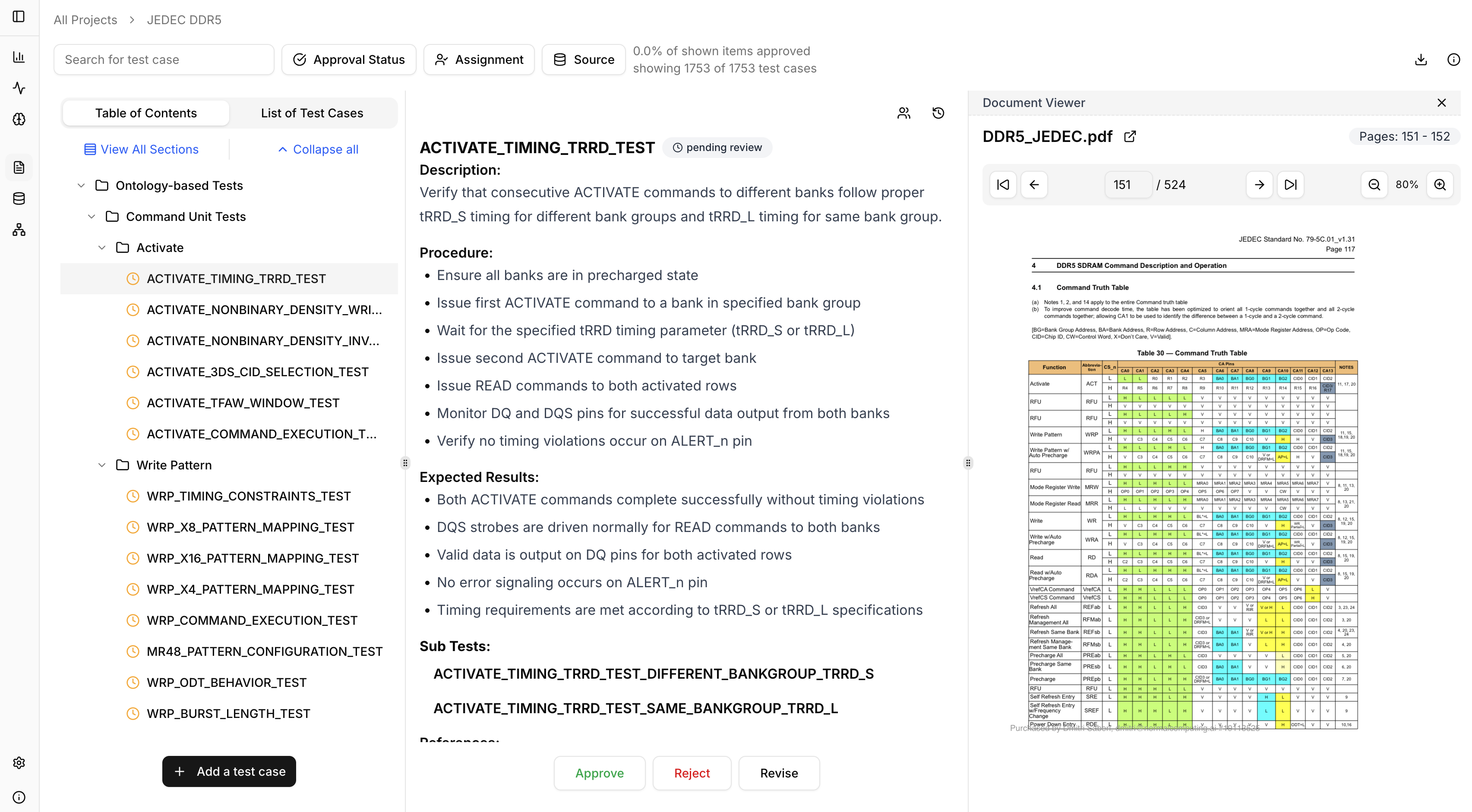
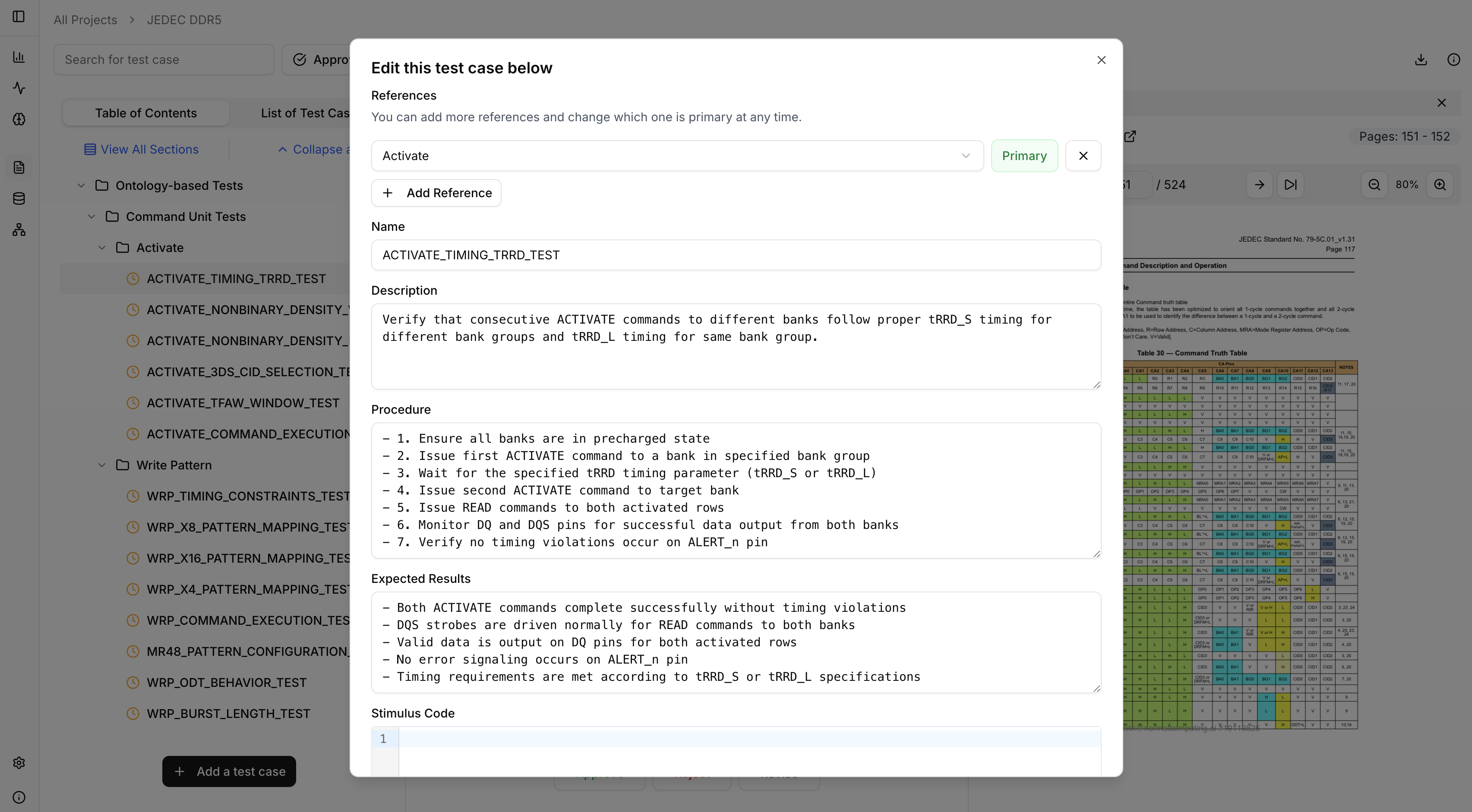
Once a feature is reviewed and approved, you can generate test cases for that feature. Test cases include:- Description — What the test verifies
- Procedure — Step-by-step instructions
- Expected Results — Pass/fail criteria
- Subtests — Derived sub-scenarios
- References — Traceability to spec sections
Assign and Filter
To distribute test plan review, you can assign test cases to team members, and then filter by Assignment → Assigned to Me to see test cases you are responsible for.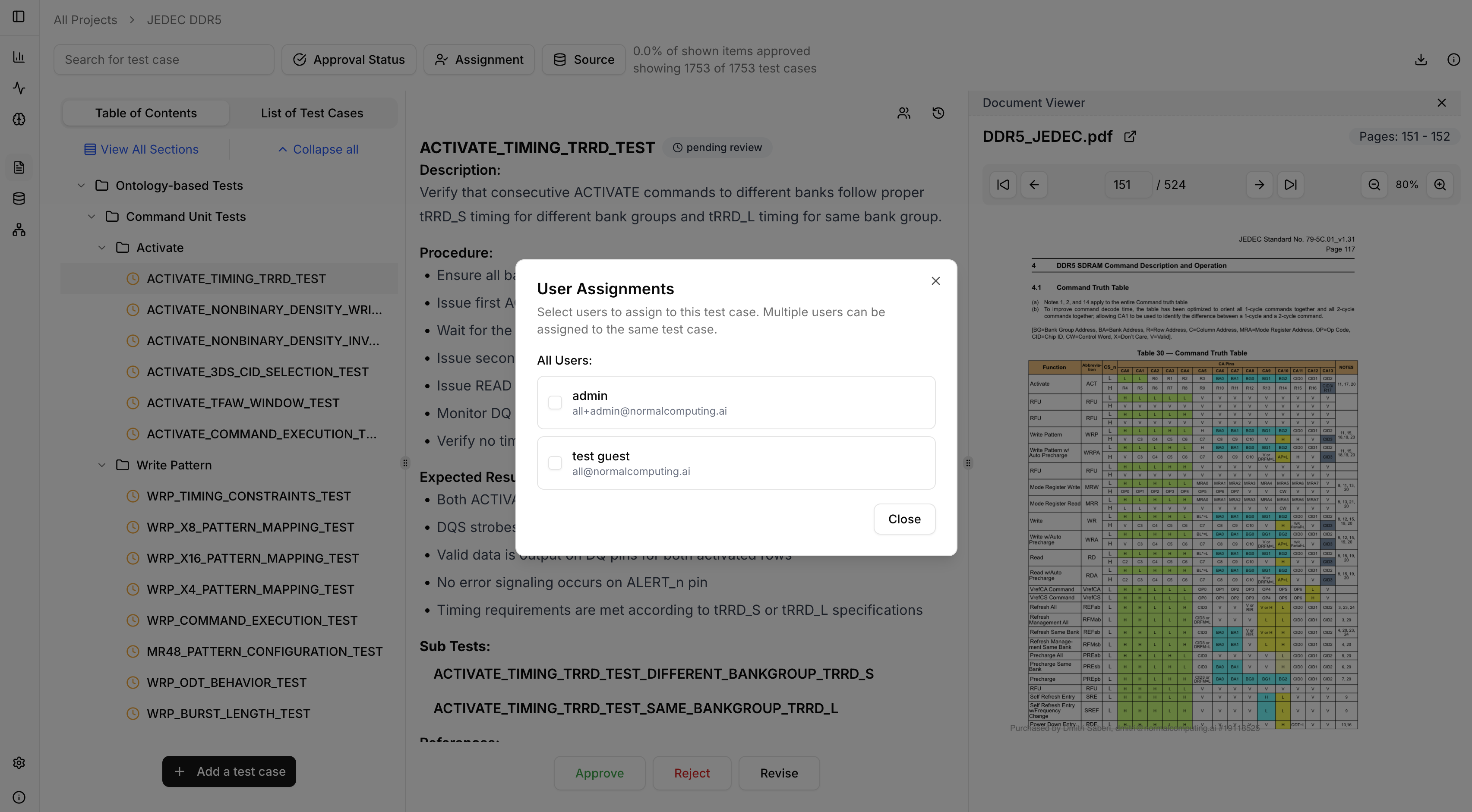
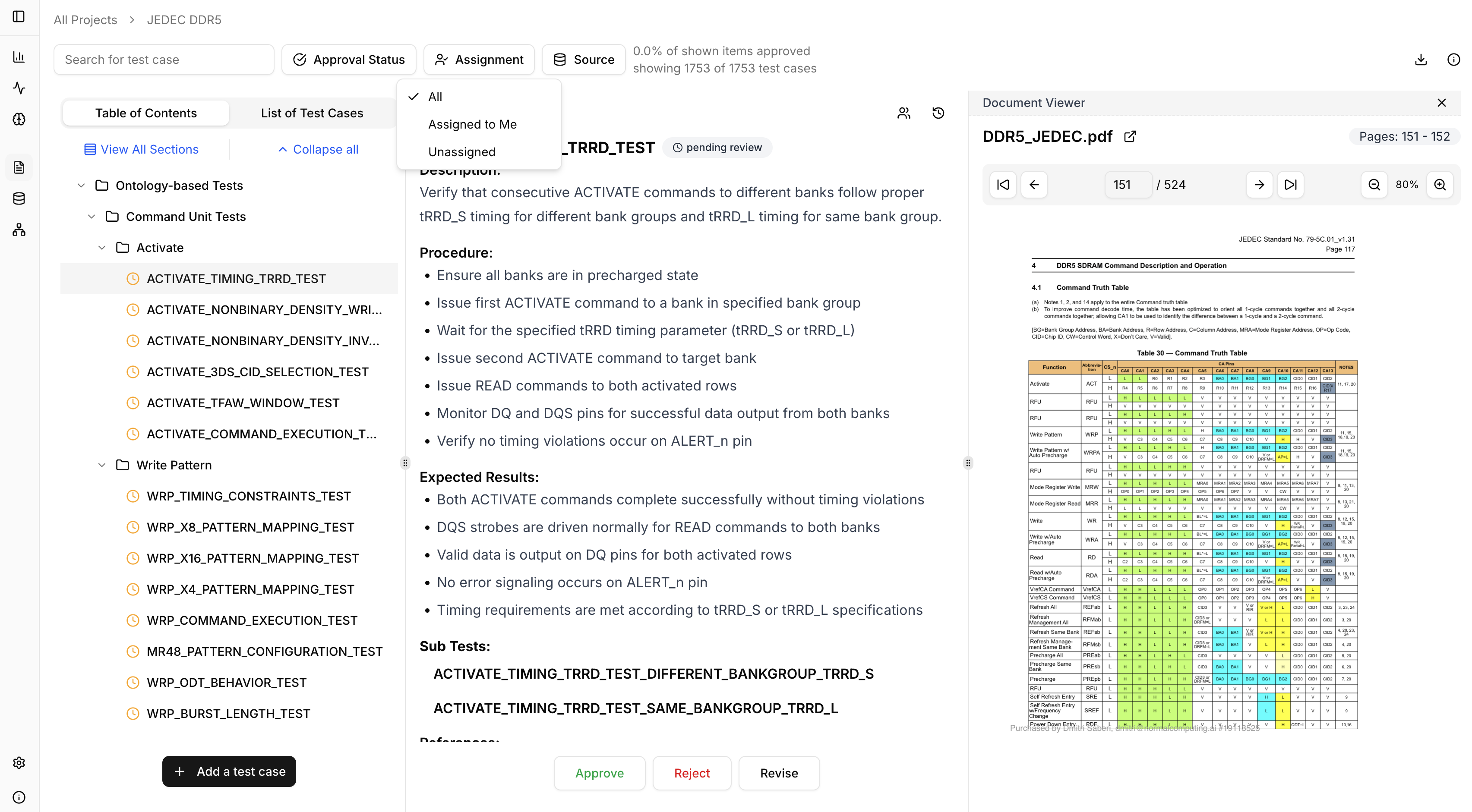
Revise Test Cases
Click Revise on any test case to:- Edit the test case manually
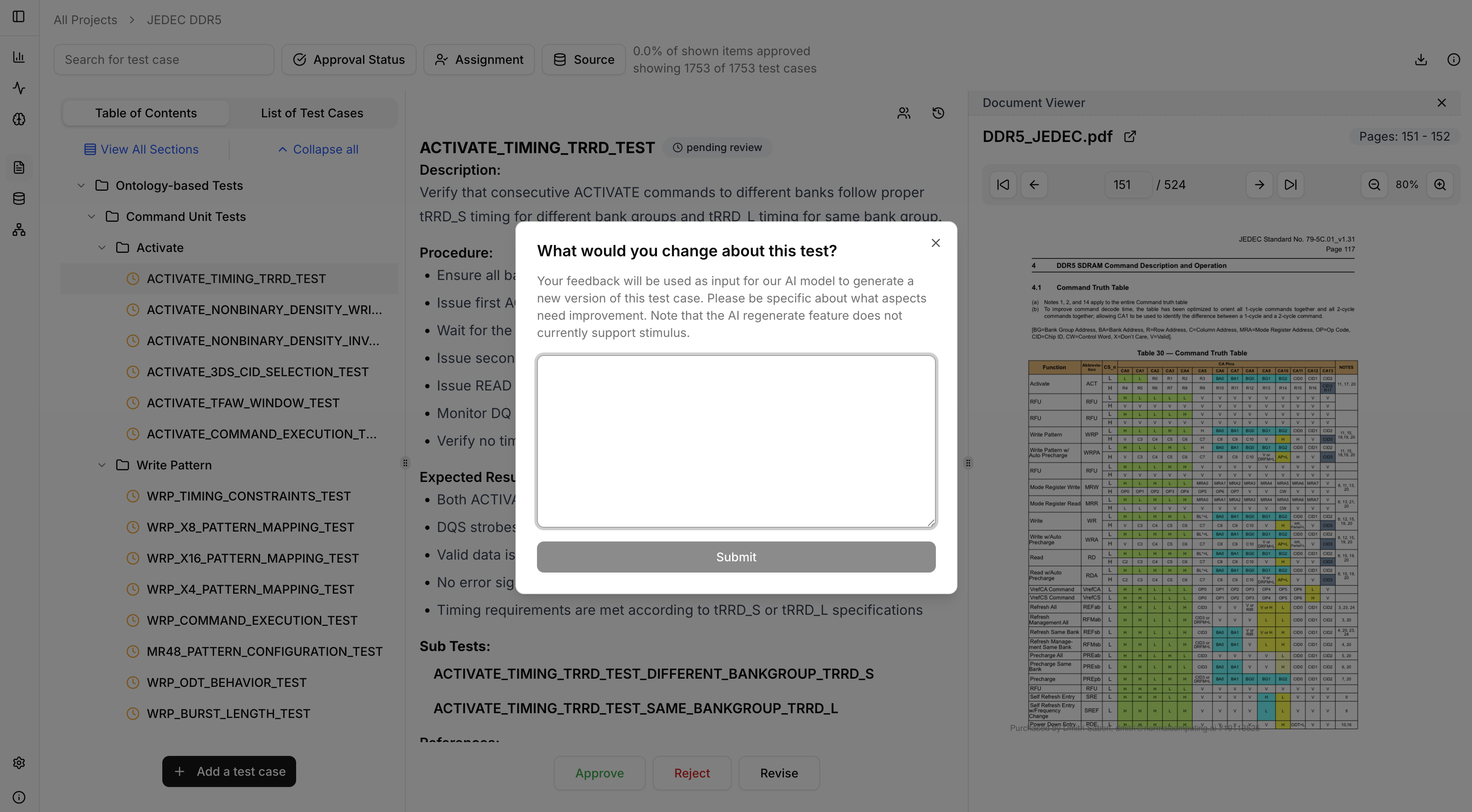
- Prompt the AI to regenerate the test case with specific instructions
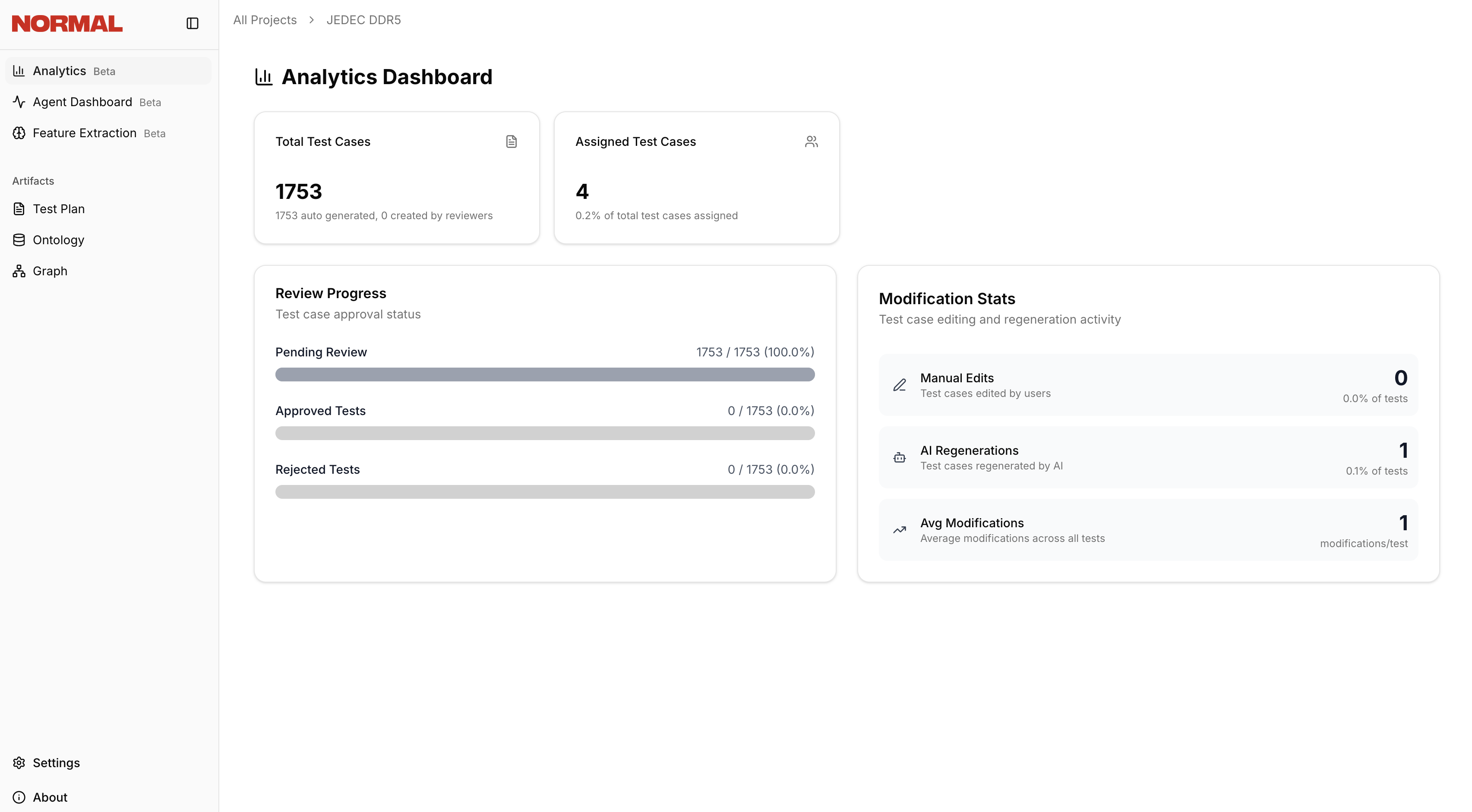
Analytics Dashboard
Open the Analytics Dashboard in the left nav pane to view progress across the test plan, including a burndown of test cases remaining to be reviewed.