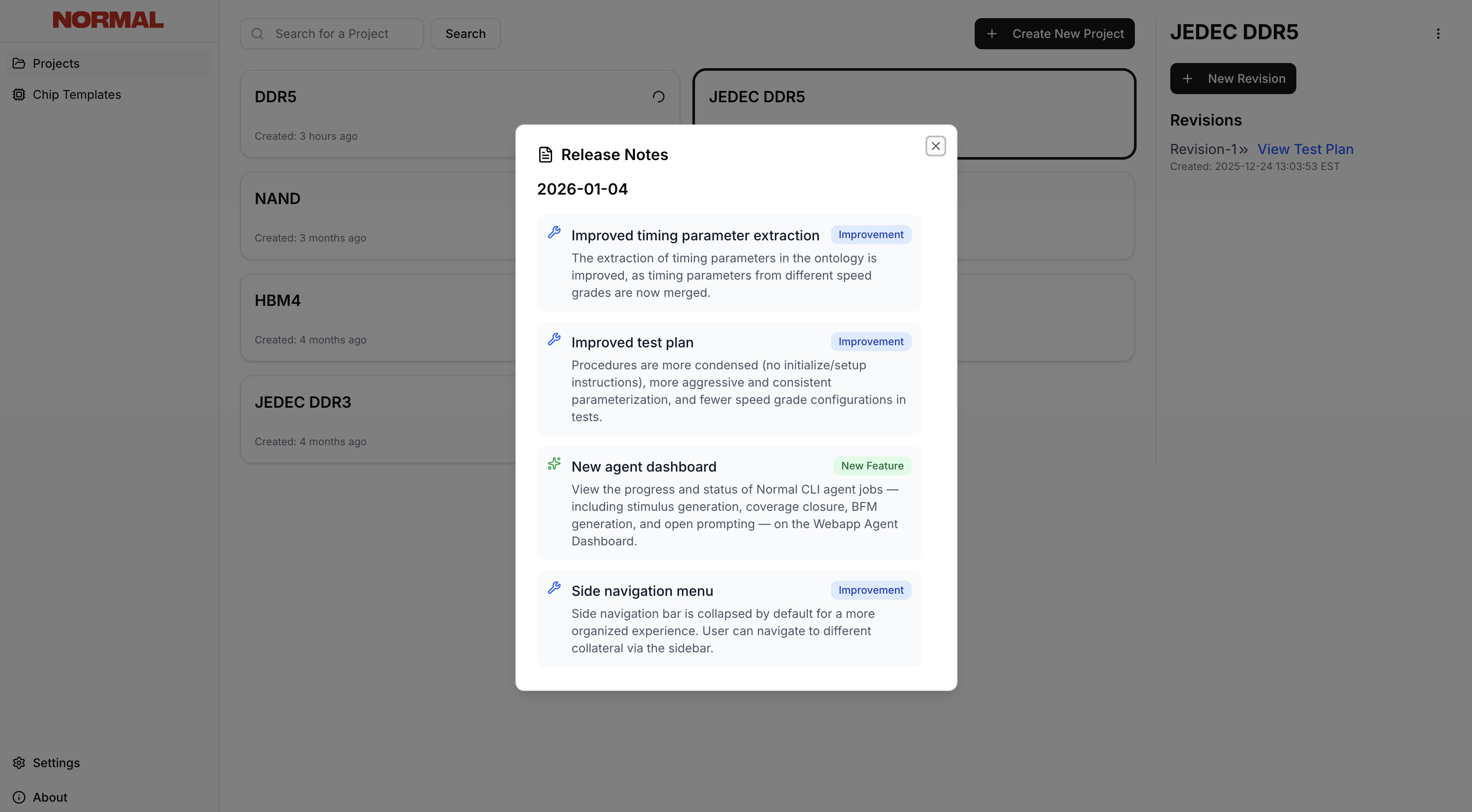
Settings
Navigate to Settings to access workspace configuration:- Experimental features — Toggle experimental view, multi-spec support, and chip templates
- Use Normal EDA CLI — Generate a refresh token for syncing the Normal CLI with your Webapp projects
- Account — View your account details and log out
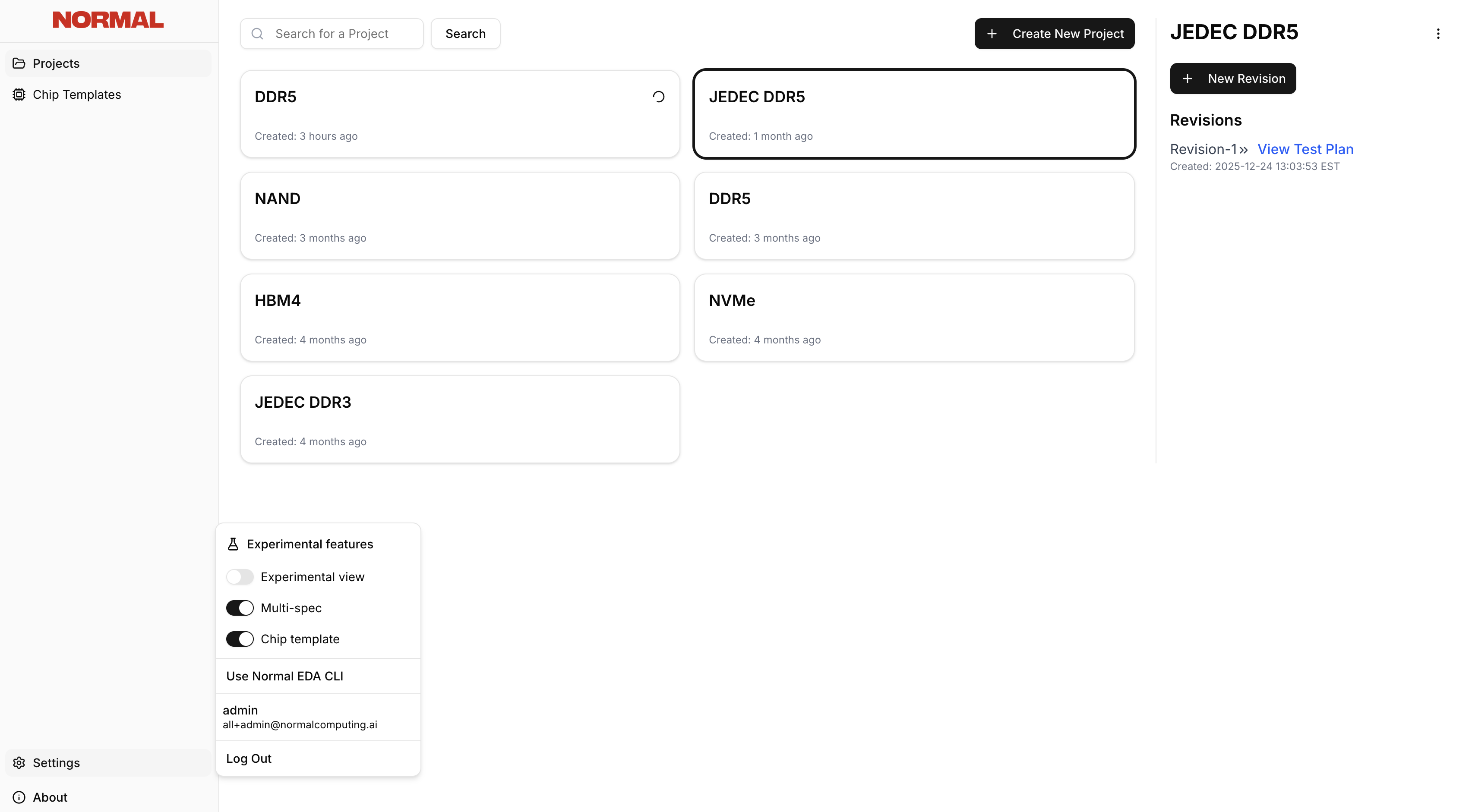
CLI Token
To connect your CLI to the Webapp:- Go to Settings → Use Normal EDA CLI
- Copy the refresh token
- Use it when running
normal loginin the CLI
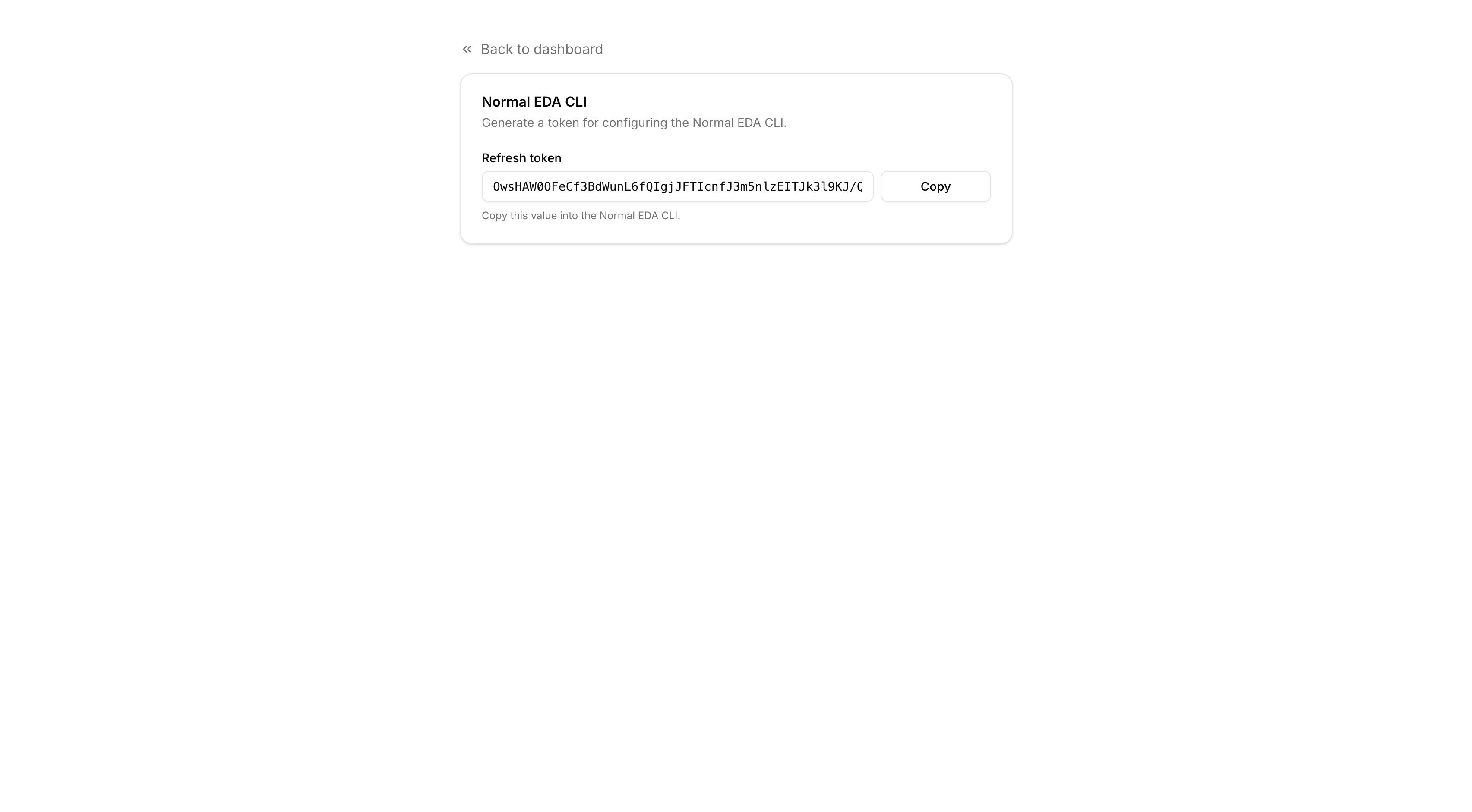
Release Notes
Click About in the left nav to view release notes for the most recent product release, including new features and improvements.